Skip to main content
To create a brand, follow the steps below:
- Navigate to the “Brands” tab.
- Click the “Create Brand” button in the top-right corner.
- Fill in the Brand Name, Description, and URL (domain) if applicable.
- Click "Create" to finish.
To edit the brand, follow the steps below:
- From the “Brands” tab, select the brand you wish to edit.
- Proceed to "Brand Settings" section.
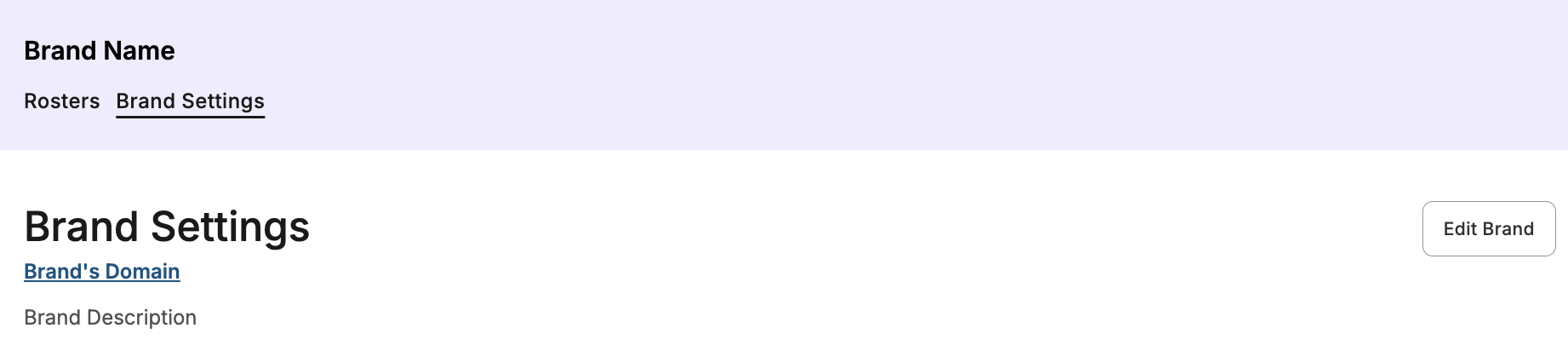
- Click on the “Edit Brand” button.
- Update the Brand Name, Description, or URL (domain) as needed.
- Click "Save Changes" to update the brand's details.